Default & Full-Width
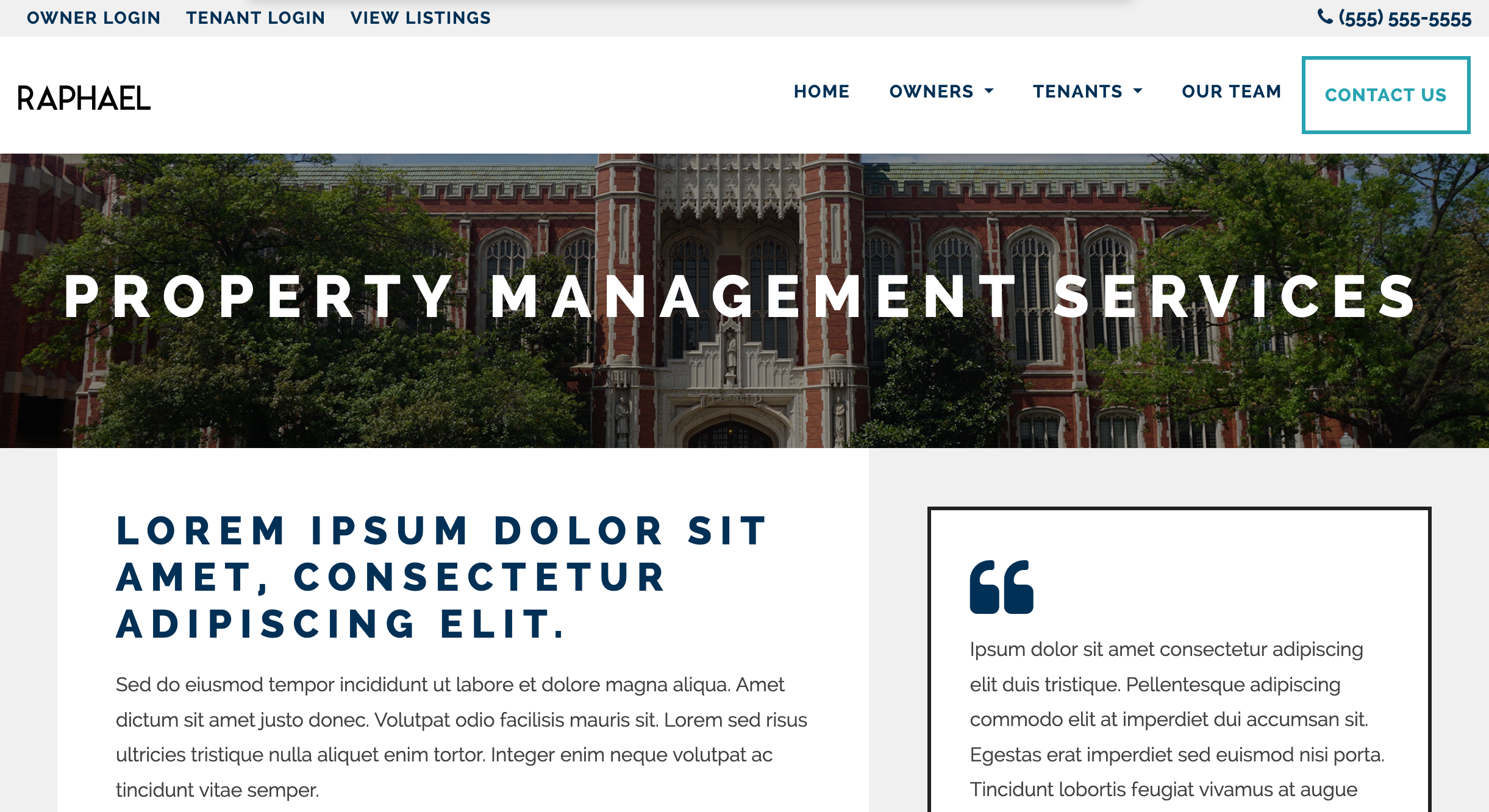
As the name suggests, the Default template is what pages use to display their content by default. All the Markdown content you provide is converted to HTML and displayed in the main-content area. Default displays a Form in the Right Sidebar that "sticks" to the top of the page when people scroll down the page, while Full-Width hides the sidebar to allow more room for content. This template is ideal for Listing Pages.
Editing Default-Template Pages
The Page Edit screen for Pages using this Template are the simplest of all, with a Content tab that has a field for Title (used as the <h1>), the Markdown Editor and Page Media, where you can upload images, videos and documents to be linked to the page.
For more on creating and editing Pages, see our section on Adding A New Page.